
 See Our Latest Article on HelloNation

Why Ergonomics Matter for Residents Working From Home or the Office
A spine-friendly workspace helps prevent aches, strain, and longer-term back issues. Many Floral Park, NY residents work at desks in varied settings—whether in a home office, local business, or shared space. These environments, if set up without ergonomic care, can quietly contribute to discomfort or even injury over time.
How Should You Set Up Your Chair for Back Health?
Start by making small adjustments to your current chair before considering changes. A supportive chair allows your feet to rest flat on the floor with knees level or slightly lower than your hips. Ideally, your lower back is supported by the chair's lumbar curve.
If your seat does not adjust, simple modifications help:
- Add a firm cushion or rolled towel behind your lower back.
- Use a footrest or a sturdy box if your feet do not touch the floor.
- Sit as far back in the seat as possible, avoiding perched or slouched positions.
Smaller spaces and older homes in Floral Park often mean using mixed-purpose furniture. In these situations, prioritize back and foot support—even a kitchen chair can be improved with a cushion and foot support.
What Height Should Your Desk and Screen Be?
A desk and monitor (or laptop) that match your height encourage an upright, relaxed posture. Your elbows should bend at roughly 90 degrees with forearms parallel to the floor and shoulders relaxed.
Screen tips:
- Top of the monitor at or just below eye level.
- Position the screen about an arm’s length away.
- For laptops, use a stand or stack of books, plus an external keyboard and mouse if possible.
Many Floral Park homes have cozy or vintage touches, so repurposing existing furniture is typical. Simple changes—like raising a screen with household items—work as effectively as new equipment.
Are There Simple Ways to Keep Your Spine Healthy During Long Days?
Yes—movement matters as much as setup. Even a well-arranged chair or desk can’t replace the benefits of regular breaks. Area households may spend hours at their desks, especially during colder months when outdoor activity is less frequent.
Practical steps:
- Stand and stretch at least every 30-45 minutes.
- Walk to a window, up and down stairs, or around the block during breaks.
- Try a few simple desk stretches—gently rotate your trunk, roll your shoulders, or reach overhead.
In Floral Park’s busy routines, setting reminders or pairing breaks with daily tasks (like getting a drink or chatting with a neighbor) can make movement a habit.
What Are Common Workspace Habits That Strain the Back?
Unintentional habits often lead to discomfort. Some of the most frequent include:
- Perching forward to see the screen, rounding shoulders
- Crossing legs for long periods or tucking feet under the chair
- Holding the phone between your shoulder and ear
- Daily use of low or high work surfaces, such as a coffee table or breakfast bar
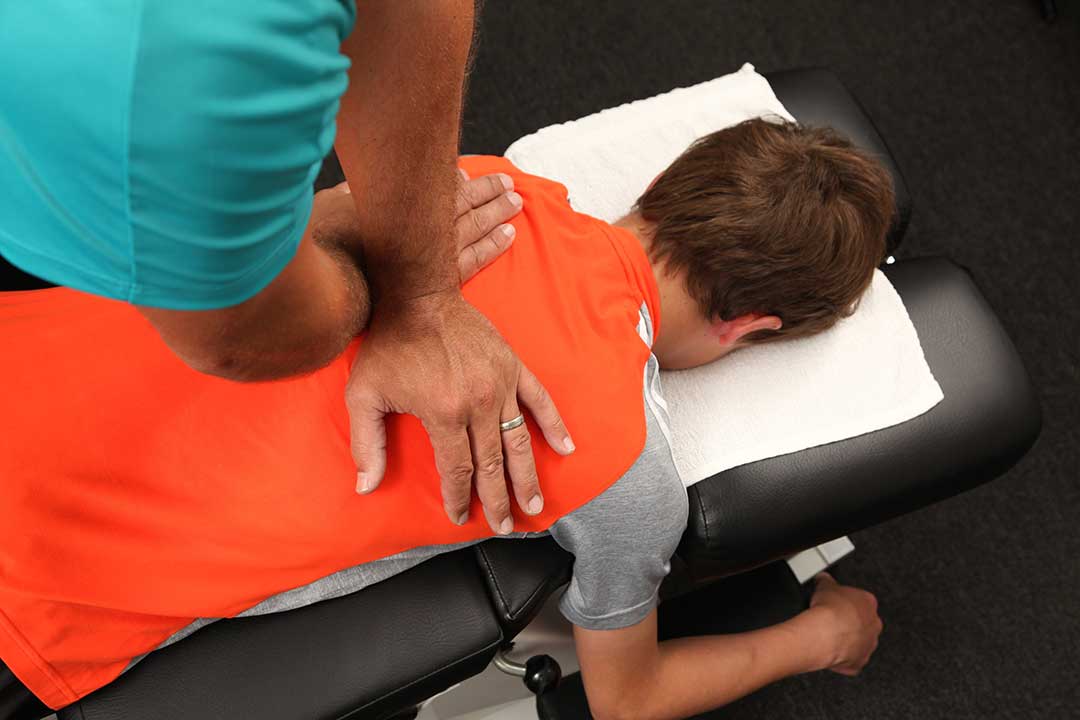
Locally, limited space can mean unusual work setups. If your desk shares space with family activities, try to maintain at least one dedicated, supportive seat for focused tasks.
How Can Local Seasonal Changes Affect Workspace Comfort?
Floral Park experiences cold winters and humid summers, both of which can affect back comfort. During colder months, muscles may feel tighter and less flexible, increasing the risk of stiffness from prolonged sitting. Using a small pillow or taking warm-up stretches during breaks can help.
In summer, heat and humidity might encourage slouching or odd sitting habits to catch a breeze. Ensuring airflow and keeping hydrated can allow you to remain upright and comfortable while working.
Which Equipment or Accessories Are Most Helpful—and Which Are Usually Unnecessary?
A supportive chair, adjustable screen setup, and a separate keyboard/mouse are usually enough for most people. Popular add-ons like standing desks, balance balls, or wrist supports don’t suit everyone and, when misused, can sometimes do more harm than good.
Rather than purchasing specialized equipment, look for simple, comfortable solutions that suit your space and habits. Local residents often benefit more from minor, consistent improvements than from major overhauls.
Are There Signs That Your Workspace Needs Adjusting?
Pay attention to early warning signs:
- Persistent back, neck, or shoulder aches at the end of the day
- Tingling, numbness, or fatigue in arms or legs
- Squinting, headaches, or eye strain
Making small adjustments to posture or workspace layout can resolve most issues before they become serious.
Practical Tips for a Spine-Friendly Workspace in Small or Shared Homes
Many in the community share their workspace with family members or use rooms with multiple purposes. Respecting shared needs while caring for your spine can be achieved by:
- Using foldable or portable cushions or supports
- Keeping posture-friendly accessories in a basket for easy access and storage
- Rotating work locations when possible, but always setting up your chair and desk with the same ergonomic attention
Even if your workspace shifts throughout the day, following the basic setup principles helps protect your back.
